New

AI Email Draft Reply Assistant

Automatically draft replies to incoming emails in Gmail or Outlook, ready for your review and sending.

  • Drafts replies to new emails in your chosen mailbox
  • Lets you review and send responses at your convenience
  • Works with your preferred AI and email provider
Overview

Streamline Email Responses with AI Drafts

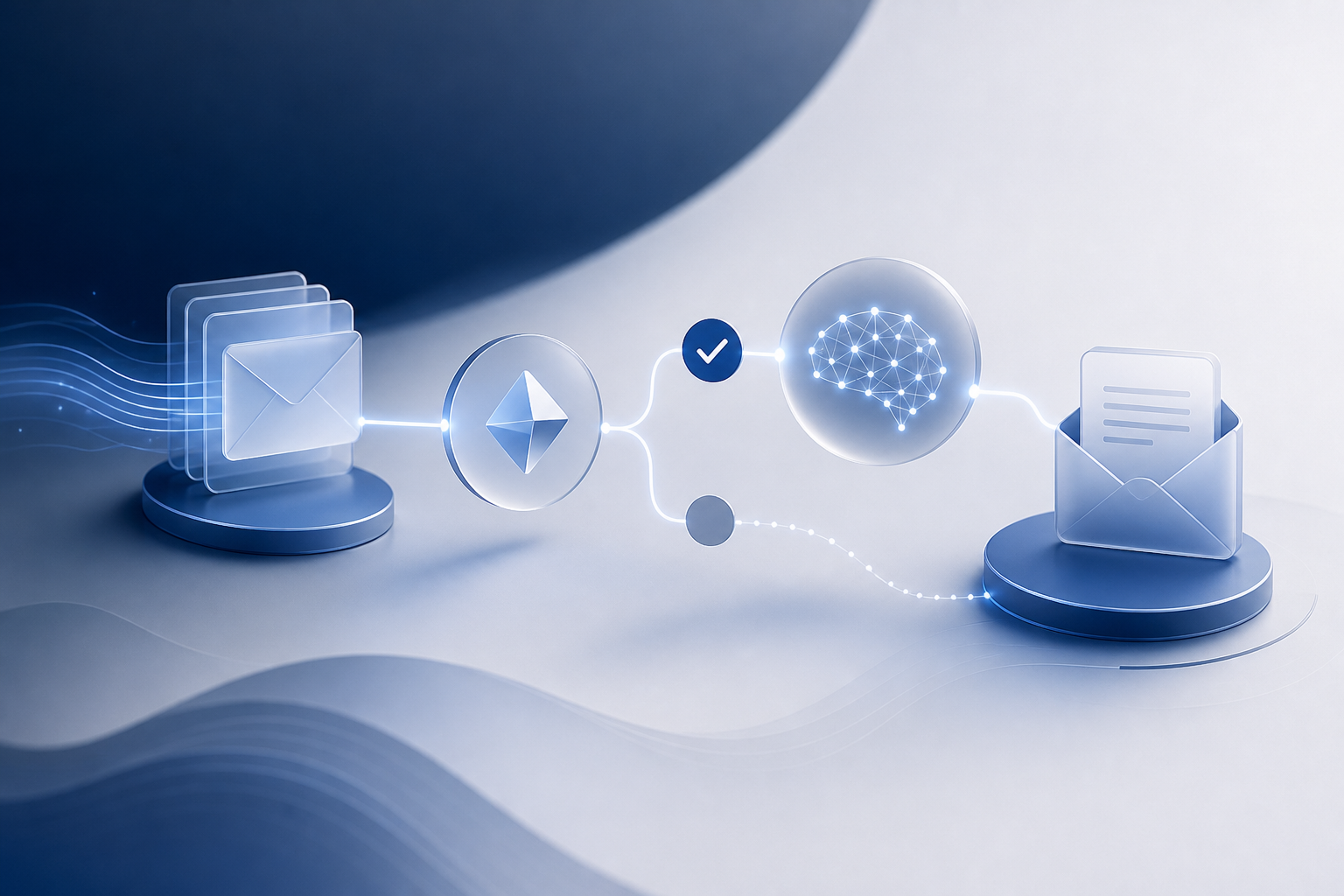
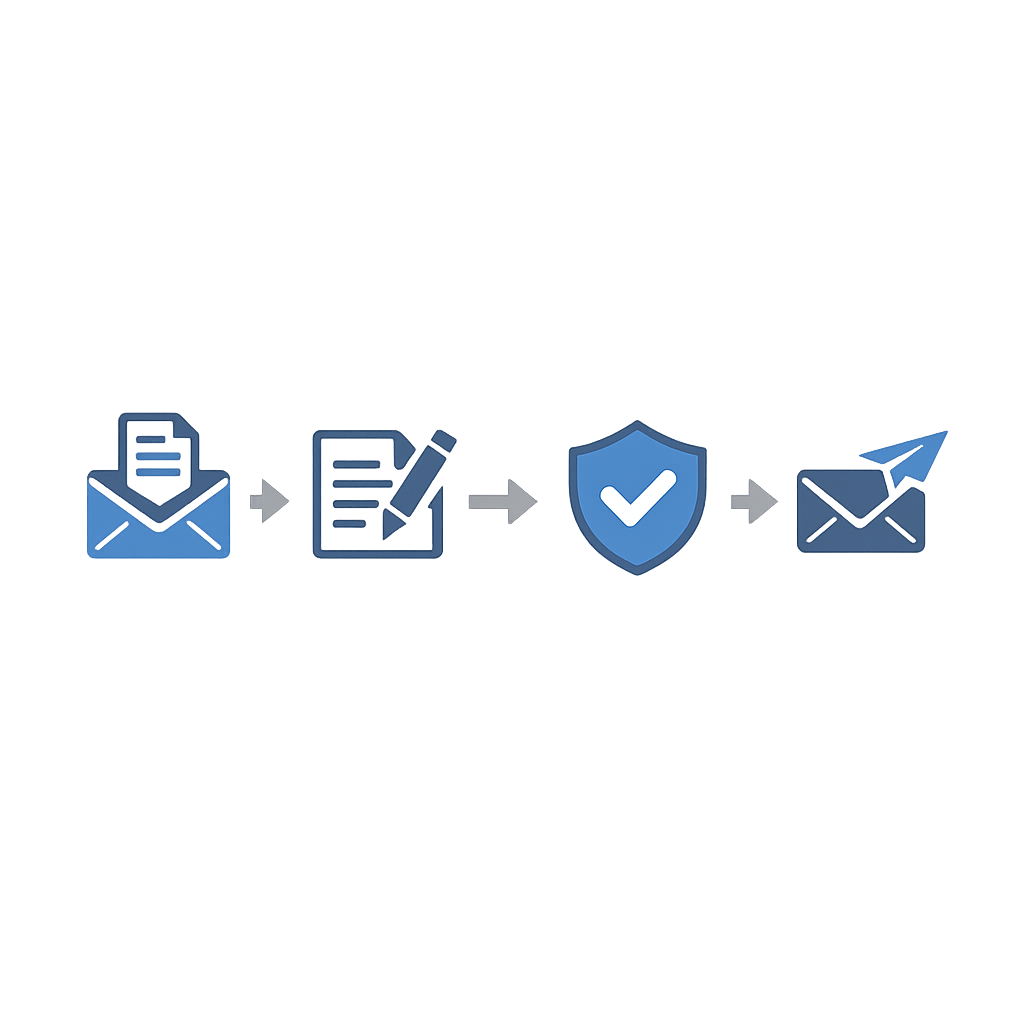
This solution reviews incoming emails in your selected Gmail or Outlook account and determines which messages require a reply. For those that do, it generates a context aware draft response using your chosen AI provider and model. Drafts are saved in your mailbox for you to review and send, or you can enable automatic sending if preferred.

Designed for business users seeking to improve email response workflows, this agent helps ensure that important messages receive timely, relevant draft replies, reducing manual effort while keeping you in control.

01

Automated Draft Creation

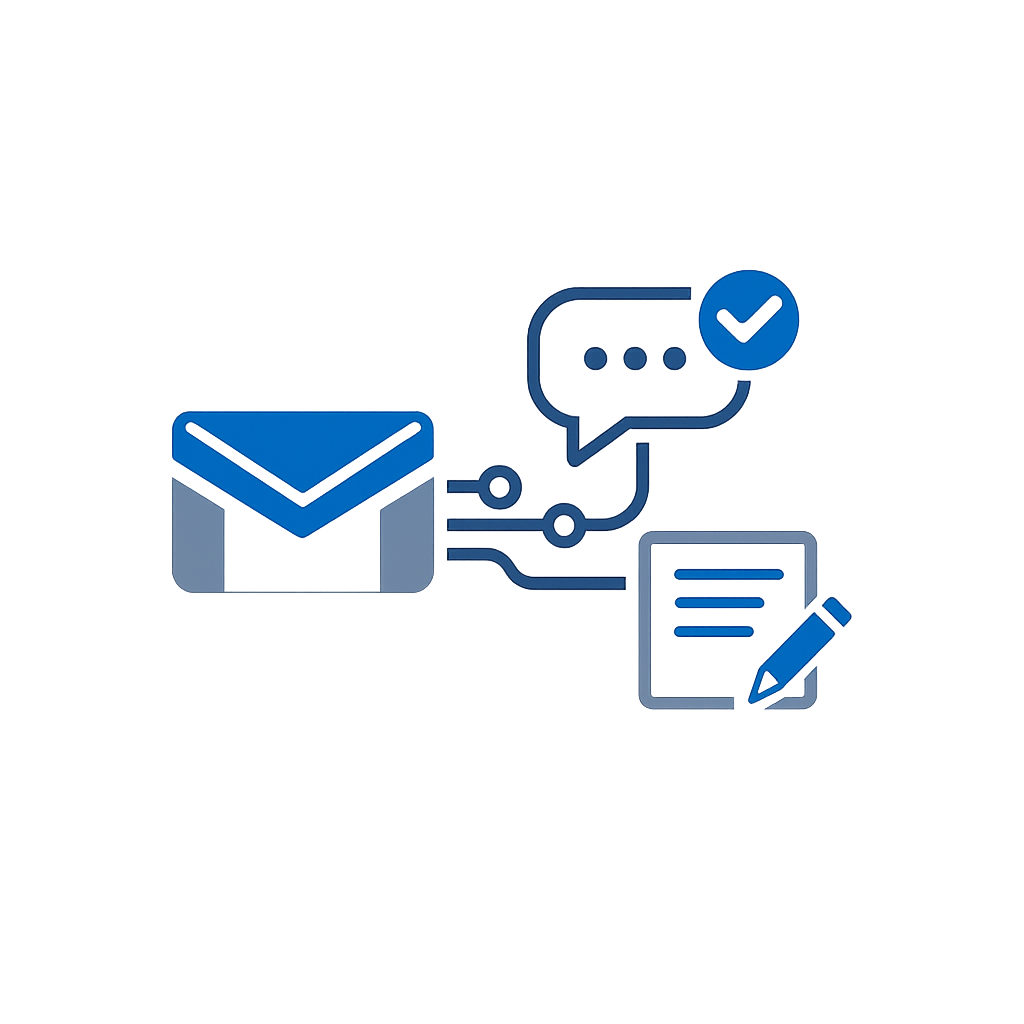
Generates draft replies for emails identified as needing a response, saving them for your review or automatic sending.

02

Flexible Account Integration

Connects with either Gmail or Outlook and supports multiple leading AI providers, allowing you to tailor the setup to your business needs.

03

Review Before Sending

Choose to review drafts before sending or enable automatic sending, giving you control over outgoing communications.

Key features

Key Features

Enhance your email management by automating the drafting of replies for messages that require a response, directly in your chosen mailbox.
01

Needs Reply Detection

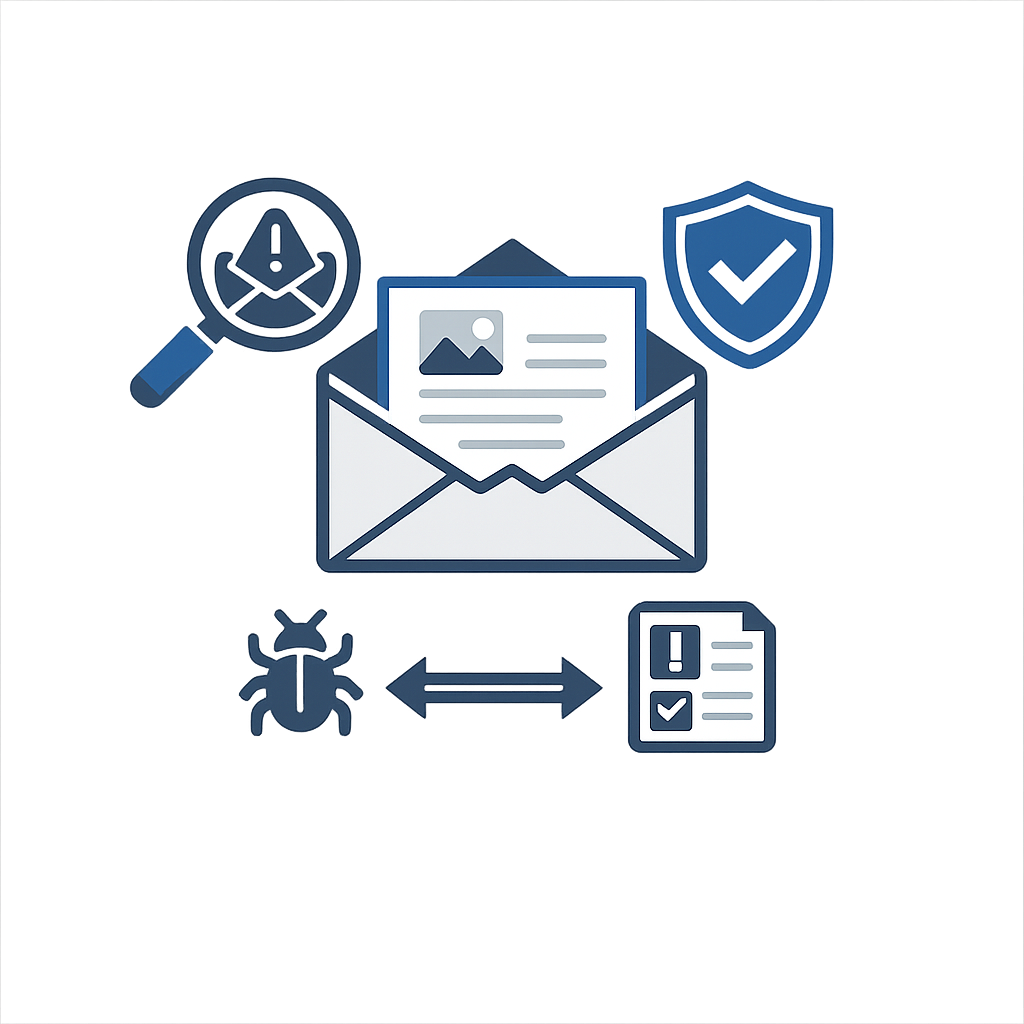
Automatically assesses incoming emails to identify which messages require a response, focusing your attention where it’s needed.

02

AI Powered Draft Replies

Uses your selected AI provider and model to generate context aware draft responses for relevant emails.

03

Mailbox Choice

Works with either Gmail or Outlook, connecting to your preferred email provider for seamless integration.

04

Draft or Send Options

Configure whether replies are saved as drafts for manual review or sent automatically, based on your workflow preferences.

Built for busy teams

Why Choose This AI Email Assistant?

This solution offers a focused approach to managing email replies by identifying messages that require attention and drafting tailored responses. With flexible integration options and control over sending, it supports efficient, consistent communication without removing your oversight.

  • Identifies emails needing a reply before drafting a response
  • Supports both Gmail and Outlook accounts
  • Lets you select from multiple leading AI providers and models
  • Offers the choice to review drafts or send replies automatically
How we do it

See AI Email Draft Reply Assistant in action

When activated, the agent checks your mailbox for new emails, determines which need a reply, and creates draft responses using your chosen AI provider and model.
Start a conversation

Get Started with AI Email Drafting

Connect your preferred mailbox and AI provider to streamline your email response process today.
Frequently asked questions

What teams usually ask

Useful answers before we discuss the detail of your workflow.

You can connect either a Gmail or Microsoft Outlook account. Only one mailbox is active at a time and you can switch between them.