New

Email Reply Assistant with Approval

Summarise incoming emails and generate professional reply drafts for review, with the option to automate sending from your chosen Gmail or Outlook account.

  • Quickly review concise summaries and AI drafted replies for each new email
  • Choose between manual approval or fully automated sending of responses
  • Works with your preferred AI and email provider, including Gmail and Outlook
Overview

Streamline Your Email Response Process

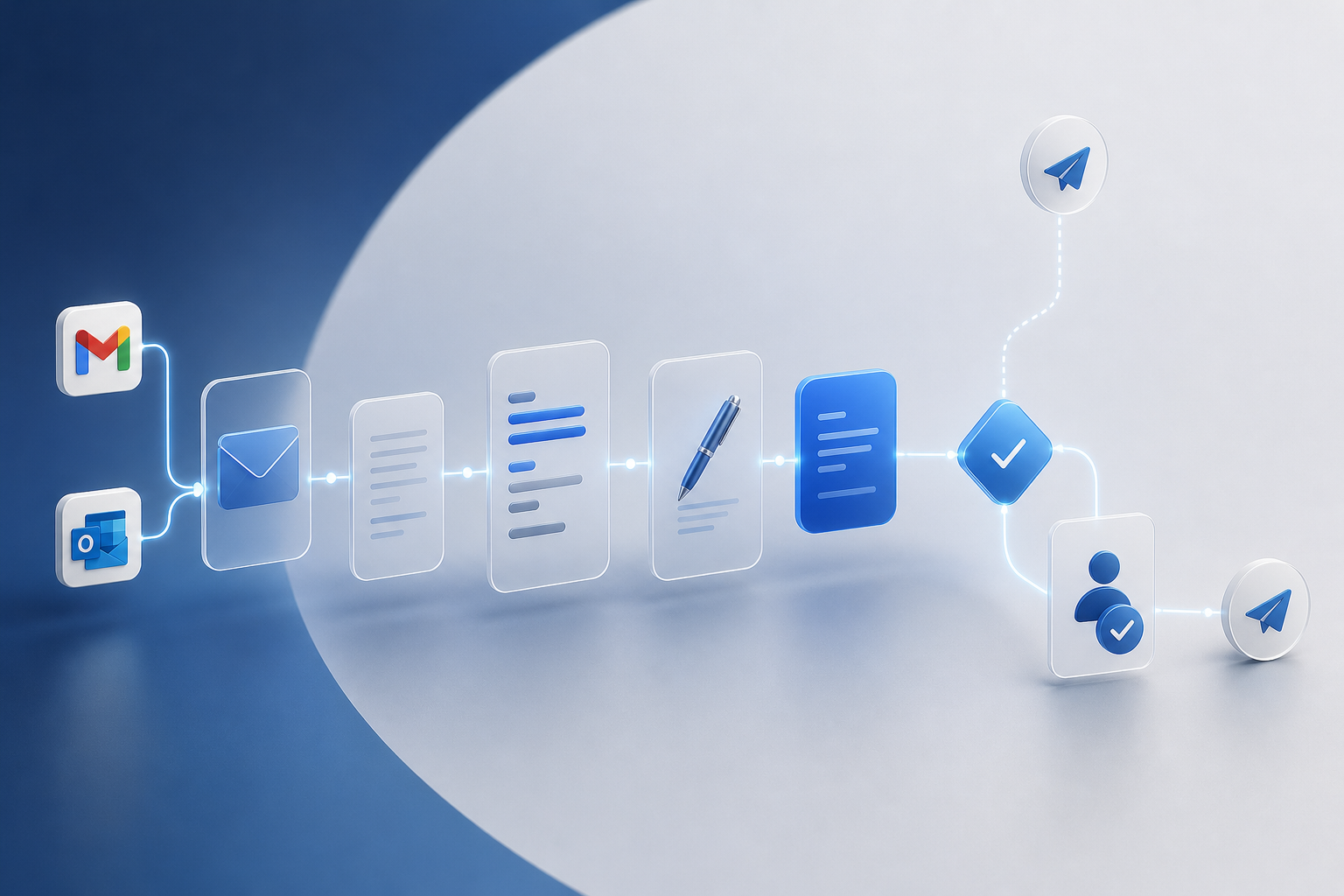
The Email Reply Assistant with Approval helps you manage your inbox by automatically summarising each new email and drafting a professional reply. You can review and approve each draft before sending, or enable automated sending if preferred. The solution integrates with your selected AI provider and email account, supporting both Gmail and Outlook, and can be started manually from your dashboard.

01

Automated Summaries and Drafts

Each new email is summarised and a reply draft is generated for your review.

02

Flexible Approval Options

Choose to review and approve replies before sending, or enable automatic sending for hands free operation.

03

Easy Integration with Leading Providers

Connect your preferred AI and email accounts, including Gmail and Outlook, with simple setup and switching options.

Key features

Key Features

Enhance your email workflow with automated summarisation and reply drafting, tailored to your chosen accounts and approval preferences.
01

Email Summarisation

Each incoming email is automatically summarised, allowing you to quickly understand the content at a glance.

02

Professional Reply Drafts

The assistant generates a professional reply draft for every new email, ready for your review or immediate sending.

03

Approval and Sending Control

Decide whether to review and approve drafts before sending or enable automatic sending for streamlined responses.

04

Provider Flexibility

Select and connect your preferred AI and email providers, with support for Gmail, Outlook, and leading AI platforms.

Built for busy teams

Why Choose Email Reply Assistant with Approval?

This solution is designed for professionals who need efficient email management without sacrificing control. By combining automated summarisation and reply drafting with flexible approval settings, it helps you handle your inbox more effectively while fitting seamlessly into your existing email setup.

  • Summarises and drafts replies for every new email
  • Supports manual review or automated sending
  • Works with Gmail and Outlook accounts
  • Easy switching between supported AI and email providers
How we do it

See Email Reply Assistant with Approval in action

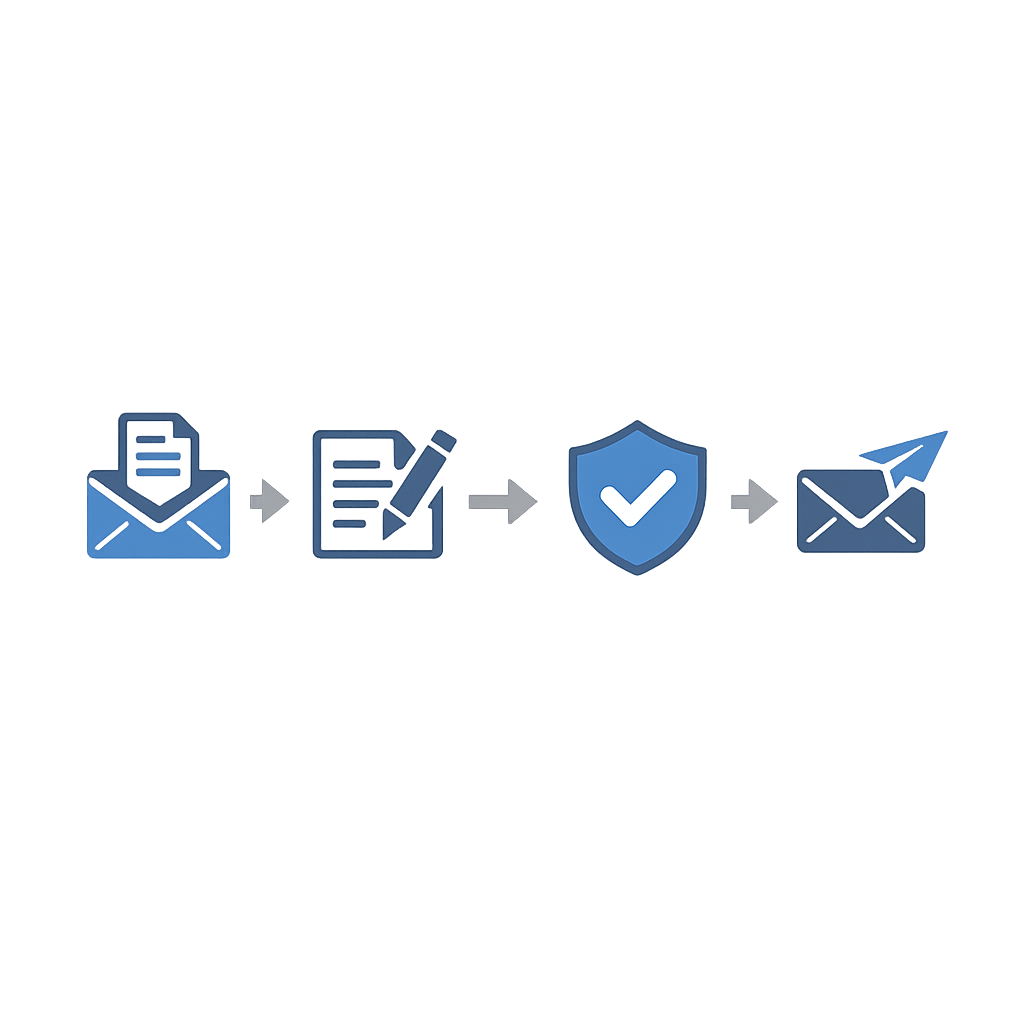
When activated, the assistant monitors your chosen email account, summarises each new message, drafts a reply, and either saves it for your approval or sends it automatically based on your settings.
Start a conversation

Get Started with Email Reply Assistant

Connect your accounts and streamline your email response process with professional summaries and reply drafts.
Frequently asked questions

What teams usually ask

Useful answers before we discuss the detail of your workflow.

You can connect either a Gmail or Microsoft Outlook account, choosing the one that best fits your needs.