Daily overview
See what was raised today without opening Jira.

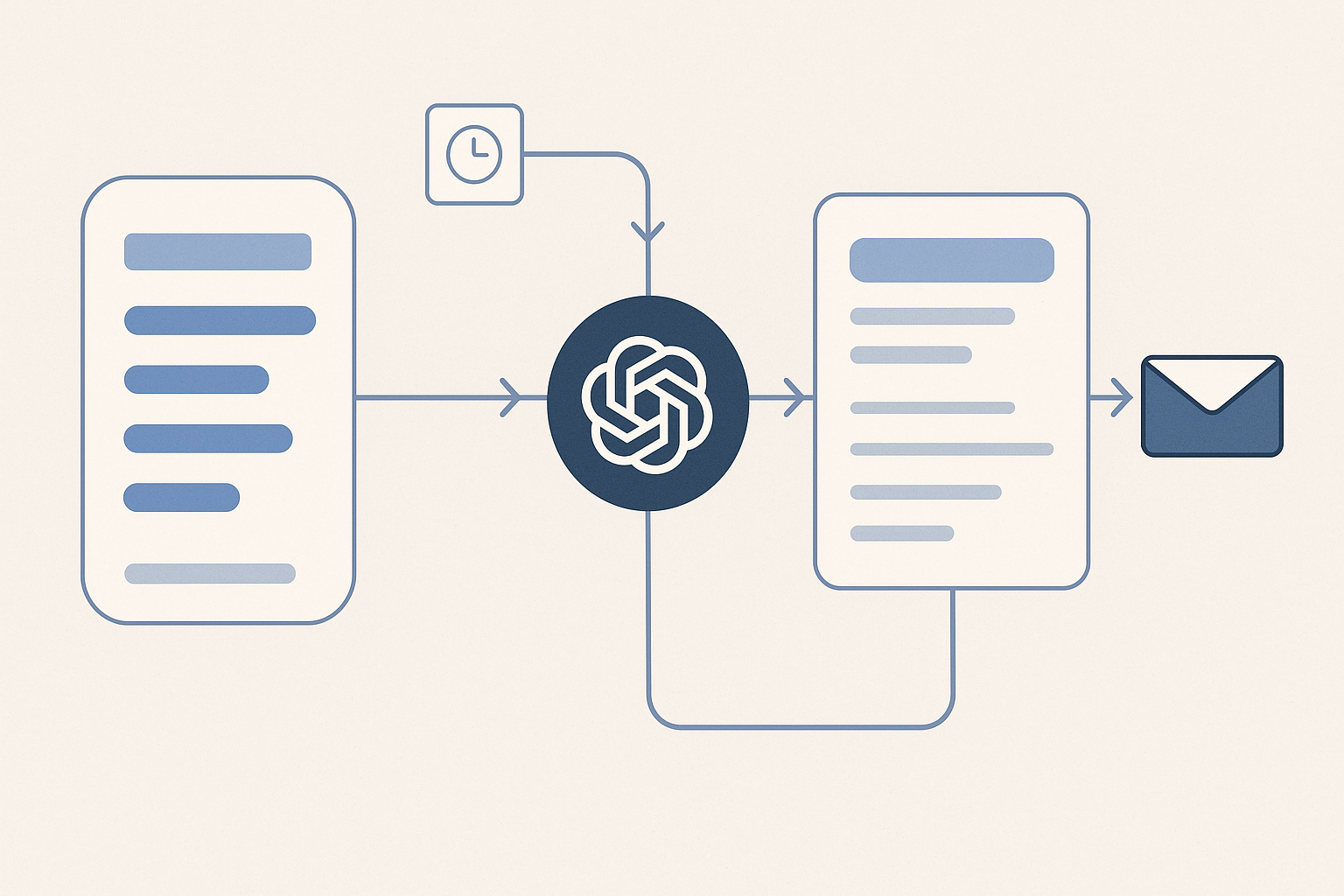
Every morning, get one email that summarises the Jira tickets, written by AI from your own tickets.
The Daily Jira Ticket Summariser automatically scans your Jira Cloud site for newly created tickets, uses AI models such as OpenAI, Claude or other LLMs to generate concise summaries, and delivers them directly to your inbox.
Simply connect your Jira, preferred AI provider and email accounts once, configure your preferred schedule, and let the automation handle the rest. Receive daily Jira ticket summaries automatically, without manually checking Jira.
See what was raised today without opening Jira.

Each ticket gets its own short summary with a link back to Jira.
Weekdays at 09:00 by default, change it at any time.
Searches your Jira site for tickets created today.
Uses your OpenAI, Claude or other supported AI provider API key to generate concise summaries of each ticket and its comments.
Sends one summary email from your connected email account.
Starts automatically at the time you set, or by hand with Run once.
It turns the day’s new Jira tickets into one readable email, so the team knows what came in without searching for it.
Useful answers before we discuss the detail of your workflow.
Tickets created on your Jira site on the day of the run.
You use your own API key from OpenAI, Claude or another supported AI provider. All AI usage costs are billed directly to your respective provider account.
You can run the summary manually from your dashboard or let it run automatically on the schedule you choose.
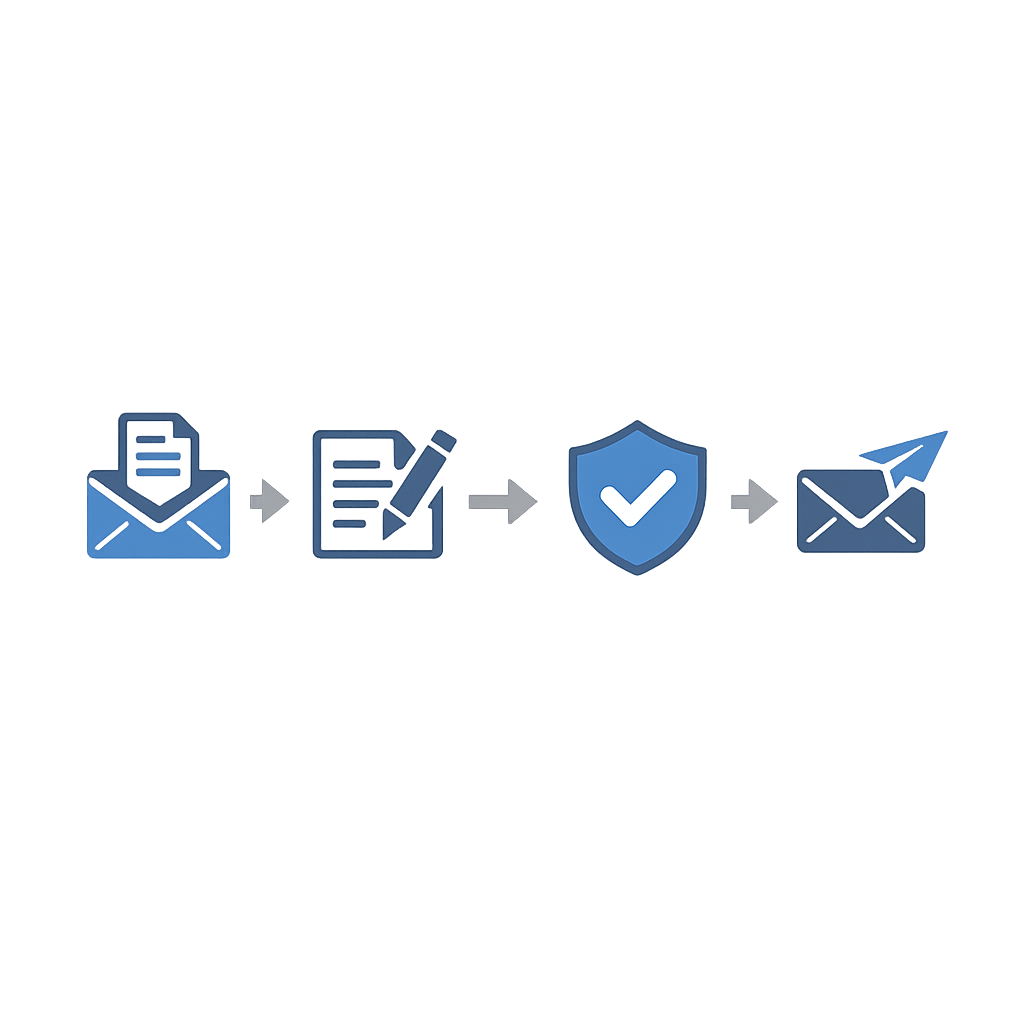
Automatically draft replies to incoming emails in Gmail or Outlook, ready for your review and sending.
Summarise incoming emails and generate professional reply drafts for review, with the option to automate sending from your chosen Gmail or Outlook…
Automatically reviews suspicious emails and files detailed verdicts and analysis as Jira tickets, streamlining phishing triage for IT and security teams.