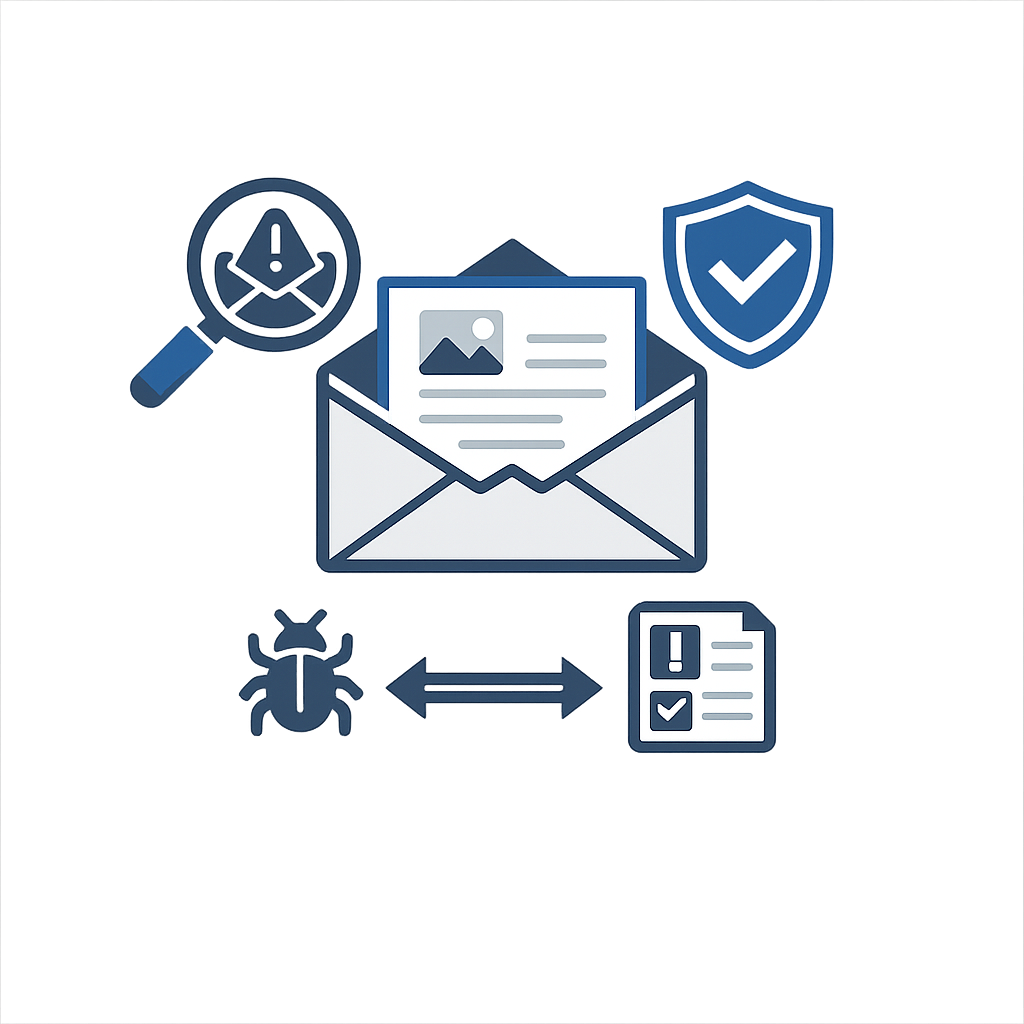
Automated Verdicts and Analysis
Each suspicious email is assessed by AI and logged in Jira with a clear verdict and supporting analysis.

Automatically reviews suspicious emails and files detailed verdicts and analysis as Jira tickets, streamlining phishing triage for IT and security teams.
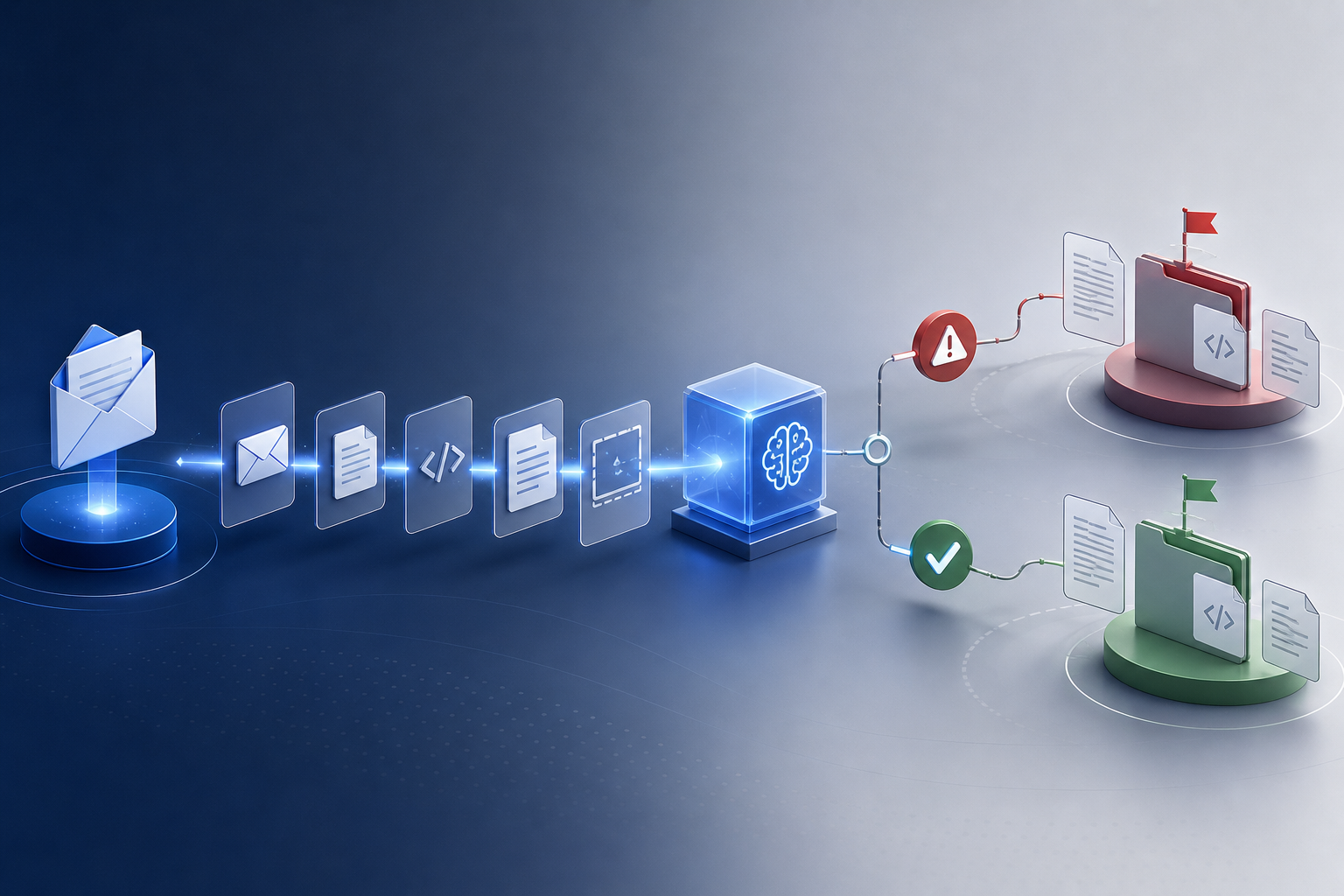
Suspicious Email Triage gives IT and security teams an automated first review of reported phishing emails. Each new email sent to a designated mailbox is checked by AI for signs of phishing or malicious content. The agent files a Jira ticket for every email, attaching the verdict (potentially malicious or benign), a detailed analysis, and the original email body as a text file.
This approach ensures every reported email is logged, analysed, and ready for follow up in Jira, helping teams prioritise urgent threats and close benign cases quickly. It is designed for organisations that receive user reported phishing emails and need a consistent, documented triage process.
Each suspicious email is assessed by AI and logged in Jira with a clear verdict and supporting analysis.

Every email is filed as a Jira ticket, complete with the verdict, analysis, and email body attached for easy review.
Security teams can work directly from the Jira queue, focusing on urgent threats and closing benign cases efficiently.
Leverages your chosen AI provider to assess whether each new email is potentially malicious or benign.
Creates a Jira ticket for every analysed email, attaching the full assessment and the email body as a text file.
Supports Gmail or Microsoft Outlook as your mailbox and lets you select from leading AI providers for analysis.
Change your connected mailbox or AI provider at any time without reinstalling the agent.
Suspicious Email Triage addresses the challenge of manually reviewing and recording every reported phishing email. By automating the initial assessment and ticket creation, it enables IT and security teams to focus on follow up and response, rather than repetitive triage tasks. The agent provides a documented, consistent process for handling suspicious emails, helping teams stay organised and responsive.
Useful answers before we discuss the detail of your workflow.
You can connect either Gmail or Microsoft Outlook as your mailbox for email analysis.
Each Jira ticket contains the full phishing assessment and the email body attached as a text file.
Yes, you can switch your connected mailbox or AI provider at any time without reinstalling the agent.
Every morning, get one email that summarises the Jira tickets, written by AI from your own tickets.
Automatically draft replies to incoming emails in Gmail or Outlook, ready for your review and sending.
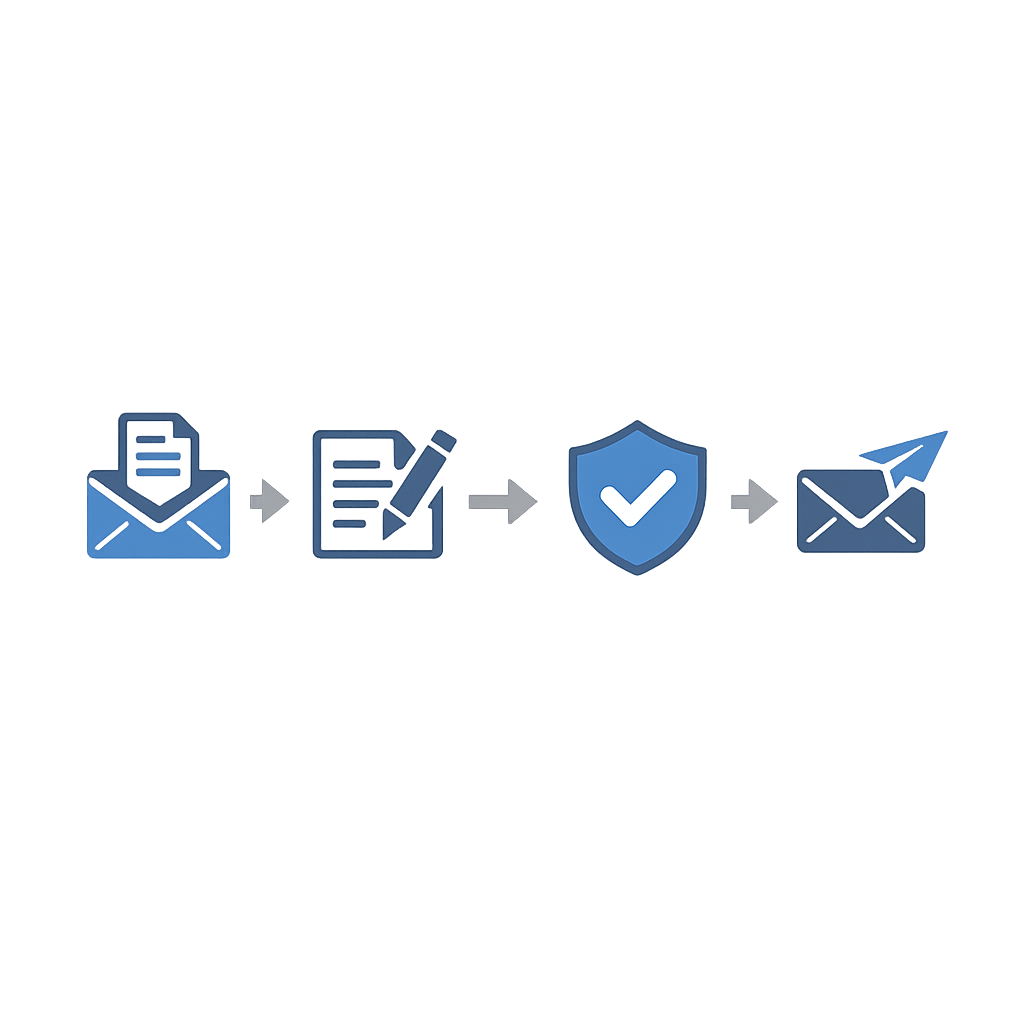
Summarise incoming emails and generate professional reply drafts for review, with the option to automate sending from your chosen Gmail or Outlook…